Job Cost Tracker for Contractors, Excel and Google Sheets
Job Cost Tracker for Contractors
Budget vs actual per job and cost code. See the margin before the job closes.
- Instant download · Excel workbook (.xlsx), opens in Google Sheets
- 14-day refund, no questions asked
- Personal and business use licence
- Free updates to this version
Works with
- Microsoft Excel 2010 or newer
- Google Sheets (File > Import)
- Excel for Mac
- No macros, no add-ins
Made for: General contractors and remodelers, Specialty trades running several jobs at once, Owner-operators who bid fixed price, Anyone who finds out a job lost money only at tax time.
7 tabs, one linked system
- 1
Settings
Company, target gross margin, overhead %, cost categories (your cost codes), crew with hourly rate and burden %, status lists.
- 2
Jobs
One row per job: client, address, dates, status, contract value and budget by cost category. Up to 15 jobs.
- 3
Time Log
Date, job, worker, hours. Loaded rate looked up from Settings; labor cost calculated. 500 rows, filterable.
- 4
Costs
Materials, subcontractors, equipment, permits, disposal: date, job, category, vendor, amount, receipt number. 400 rows.
- 5
Change Orders
Per job: price to client, estimated added cost, status. Approved COs raise revenue and budget on the Dashboard.
- 6
Billing
Invoices sent and payments received per job with dates; outstanding total.
- 7
Dashboard
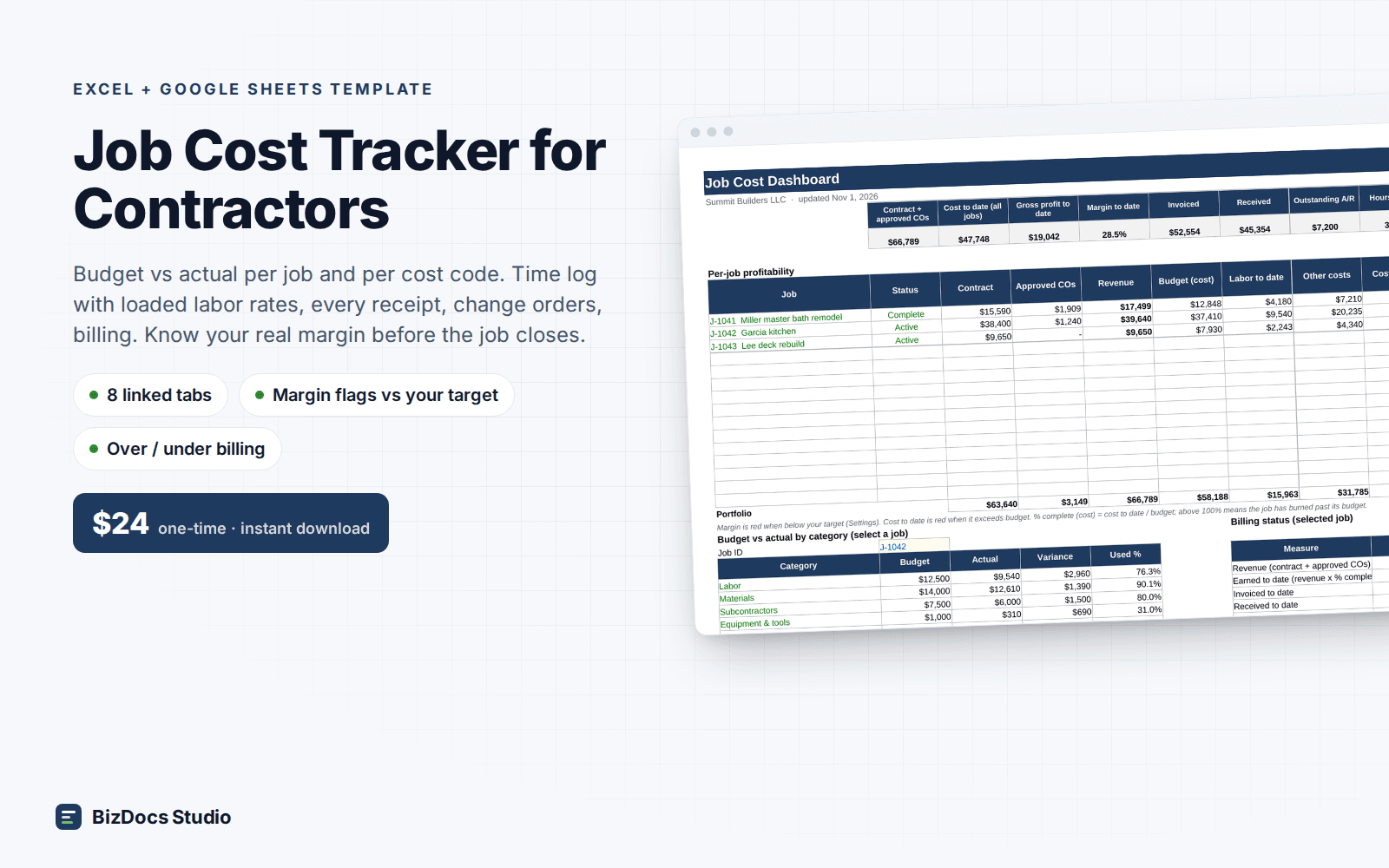
KPI strip, per-job table (contract, COs, revenue, budget, labor, other cost, gross profit, margin %, % complete), budget vs actual by code for a selected job, billing status, chart.
Built to be right, not just pretty
- Hours become loaded labor cost automatically, burden included
- Margin flagged red below your target; cost flagged red when over budget
- Approved change orders flow into revenue and budget without retyping
- Budget vs actual by cost code for any job you pick from a dropdown
- Earned vs invoiced vs received: catch under-billing before cash runs short
- Uses the same cost categories as our Contractor Estimate template
- 1,280+ formulas, all visible and editable; verified to the cent
Last updated November 2, 2026. Buyers get updates to this version free, by email.
Before you buy
How many jobs and entries does it hold?
15 jobs, 500 time entries, 400 cost lines, 50 change orders and 100 invoices per file. Start a new file each year or per division; nothing is locked if you want to extend ranges.
Does it work in Google Sheets?
Yes. File > Import > Upload the .xlsx. Dropdowns, conditional formatting and the chart carry over. All formulas are Sheets-compatible; no macros.
How is labor cost calculated?
Each crew member has an hourly rate and a burden % (payroll taxes, insurance, benefits) in Settings. The Time Log looks up the loaded rate (rate x (1 + burden)) and multiplies by hours.
Does it replace my estimate?
No, it tracks against it. Enter your estimate's cost by category as the job budget. If you use our Contractor Estimate & Bid Template, the categories already match.
What if it is not what I need?
Email us within 14 days and we refund you. No forms, no questions.
Job Cost Tracker for Contractors
$24 one-time · instant download · 14-day refund