Job costing for contractors: a spreadsheet that shows profit while the job runs
By the BizDocs Studio team · Updated
- •Job costing means recording every cost against the job and cost code it belongs to, then comparing it to the budget from your estimate.
- •Use the same cost codes in the estimate and the tracker, or the comparison is meaningless.
- •Log labor at the loaded rate, include change orders in both budget and revenue, and review margin weekly.
- •The goal is to see a losing job at 40% complete, not at the final invoice.
The estimate tells you what a job should cost. Job costing tells you what it is costing. Without it, you find out whether a job made money weeks after it ended, when nothing can be done about it.
Set up cost codes
Pick 8 to 15 cost codes that match how you estimate: demolition, framing, plumbing, electrical, drywall, finishes, subcontractors, equipment, permits, cleanup. Use the same codes in every estimate and every receipt.
Budget each job from the estimate
Copy the estimate's direct cost by code into the job budget. Add the contract price as revenue. Your target margin is the gap between them.
Log actual costs as they happen
- Labor: date, worker, job, hours; cost = hours × loaded rate
- Materials and receipts: date, vendor, job, cost code, amount
- Subcontractor invoices against their quoted amounts
- Equipment rentals and job-specific fees
Budget vs actual per job and cost code. See the margin before the job closes.
Change orders go in twice
An approved change order adds to the budget (its direct cost) and to revenue (its price). If you only add the cost, a profitable change looks like an overrun.
Read the numbers weekly
| Signal | What it means |
|---|---|
| Labor hours ahead of % complete | Productivity problem or underestimated scope |
| Materials over budget early | Waste, price increase or missed quantity |
| Margin below target | Act now: change order, scope review or schedule |
| Billed less than % complete | Cash flow risk: invoice the next milestone |
A spreadsheet or software?
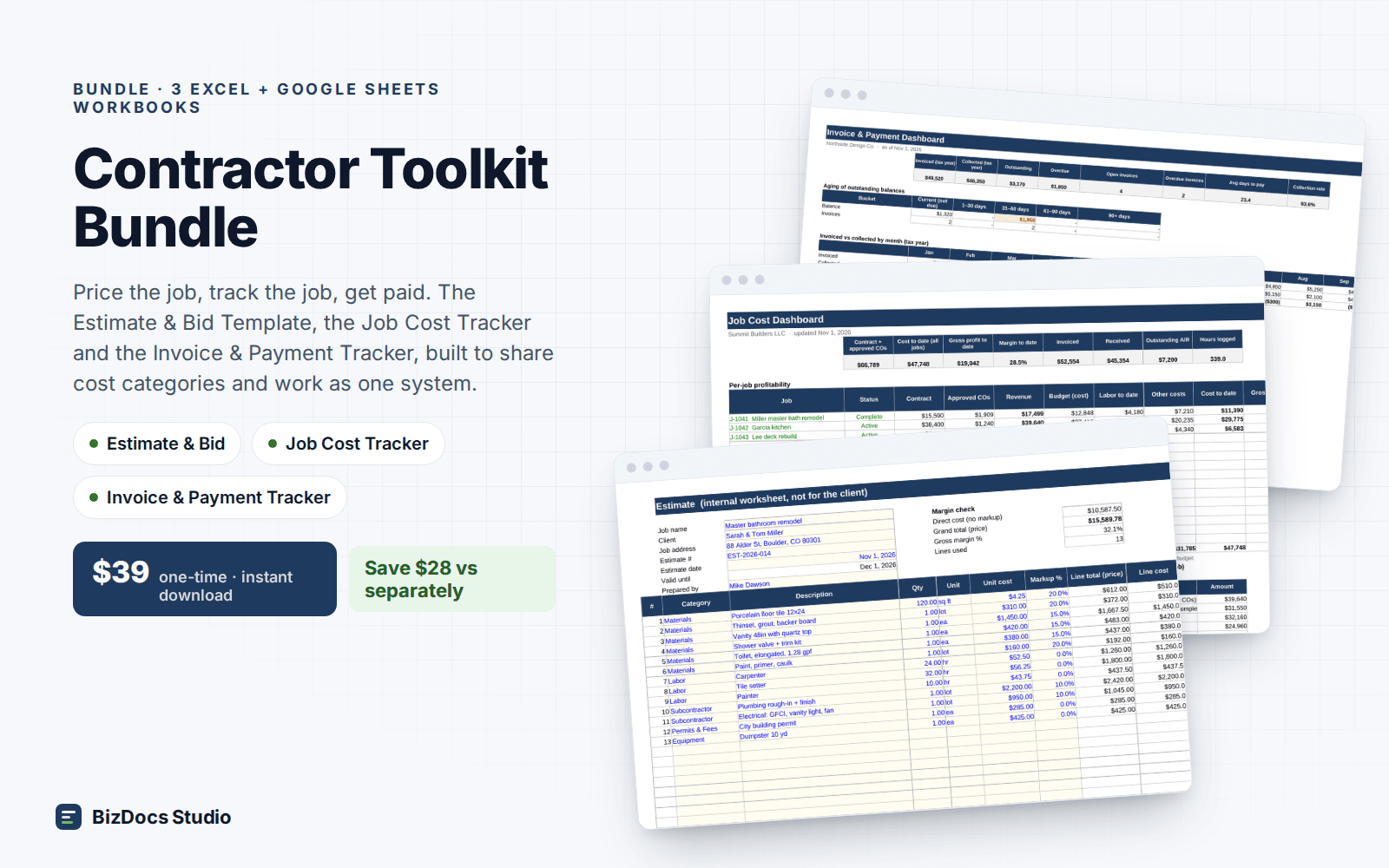
Below roughly ten concurrent jobs a spreadsheet is faster than most software. Our job cost tracker uses your cost codes, a time log with loaded rates, a receipts log, change orders and billing, and a dashboard that flags any job under your target margin.
Percent complete and earned value, simply
To know if a job is on track, compare cost to date with work done. If a job is 50% complete and has used 70% of its labor budget, it will overrun unless something changes. Estimate percent complete by phase (demo done, rough-in done, drywall 60%) and compare it with budget used for each cost code.
| Cost code | Budget | Actual | % used | % complete |
|---|---|---|---|---|
| Demolition | $1,150 | $1,080 | 94% | 100% |
| Tile labor | $1,400 | $1,120 | 80% | 50% |
| Materials | $3,820 | $3,410 | 89% | 85% |
Tile labor is the problem line: 80% used for 50% done. That is the conversation to have with the crew this week, not after the job closes.
Using job costing to estimate better
Every finished job is data. Compare estimated hours with actual hours by cost code across ten jobs and you will see which tasks you consistently under- or over-estimate. Update your estimating rates with those numbers; this feedback loop is where job costing pays for itself.
Minimum habits
- Crew logs hours by job and cost code daily
- Receipts tagged with job and cost code the day they are paid
- Change orders entered when signed
- Weekly 15-minute review of every open job
- Close-out review: estimate vs actual, lessons for the next bid
Frequently asked questions
What is job costing in construction?
Recording every labor hour, material, subcontractor and equipment cost against the job and cost code it belongs to, then comparing it to the job's budget and revenue.
How do I calculate job profit margin?
Margin = (revenue − total job cost) ÷ revenue. Include approved change orders in revenue and their direct cost in job cost.
Can I do job costing in Google Sheets?
Yes. Our template works in Excel and Google Sheets with the same formulas.
Budget vs actual per job and cost code. See the margin before the job closes.