Auto Repair Estimate, Repair Order & Invoice Template for Excel and Google Sheets
Auto Repair Estimate, Repair Order & Invoice Template
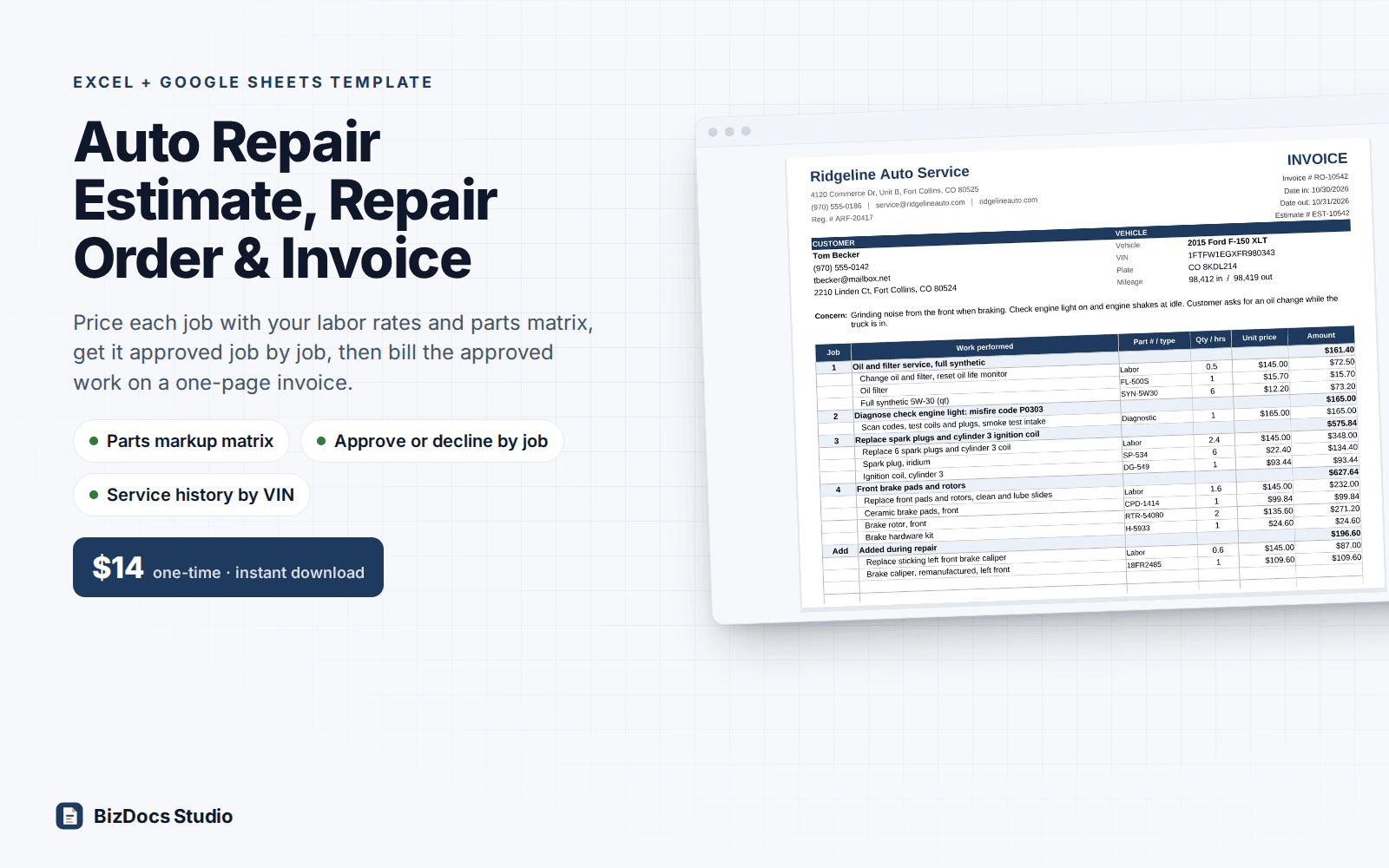
Price each job with your labor rates and parts markup matrix, get it approved job by job, then bill the approved work on a one-page invoice.
- Instant download · Excel workbook (.xlsx), opens in Google Sheets
- 14-day refund, no questions asked
- Personal and business use licence
- Free updates to this version
Works with
- Microsoft Excel 2010 or newer
- Google Sheets (File > Import)
- Excel for Mac
- No macros, no add-ins
Made for: Independent auto repair shops, Mobile mechanics, Tire, brake and quick lube shops, Shops that service a few local fleet accounts, Shops leaving paper repair orders or a basic invoice template.
10 tabs, one linked system
- 1
Start Here
How a job moves from estimate to invoice to log, how each number is calculated with a worked example, how to start a new job, printing and Google Sheets notes.
- 2
Settings
Shop details and registration number, up to 4 labor rates (standard, diagnostic, fleet), an 8-tier parts markup matrix with the gross margin of each tier, shop supplies % of labor with a cap, disposal fee, mobile service call fee, sales tax rate and rule (parts only, parts and labor, or none), whether fees are taxed, warranty, authorization and payment text, technicians, payment methods and service intervals.
- 3
Customers & Vehicles
150 vehicle rows: Vehicle ID, customer, phone, email, address, year, make, model, engine, VIN and plate. A VIN check flags wrong length, I, O or Q and a wrong check digit. Visits, last visit, last mileage, total spent, the soonest open next service and a reminder (overdue, due in N days) fill in from the RO Log. A later visit for a different service does not hide an oil change that is still due.
- 4
Estimate
Pick the vehicle, type the concern, build up to 6 jobs from 10 labor lines (book hours x rate type, with an optional rate override) and 16 parts lines (your cost, matrix markup, optional price override). After the work, billed hours, tech clock hours and qty used go on the same line, so they stay with it when jobs are approved or lines added. Job totals, shop supplies, disposal and call fees, labor discount, sales tax, and two totals: all jobs and approved jobs. Parts cost, parts gross profit and effective labor rate stay on this tab.
- 5
Estimate Print
One-page customer estimate grouped by job, with an Approve / Decline column per job, totals for all and approved work, the authorization text, a pre-authorized amount for extra work, a replaced-parts line, signature and date, and a record line for phone or text approval.
- 6
Repair Order
Every line of the approved jobs pulls in from the Estimate, with any billed hours or qty used that differ. Add up to 4 labor and 6 parts lines of work found during the repair, mileage out, technician, 3 payments and the approval record for added work. A check warns when the total is above what the customer approved.
- 7
RO Print
One page that prints as a Repair Order (work authorization) or an Invoice (final bill): work by job, added work, totals, payments, balance due, declined recommendations, next service due by miles or date, warranty and signature.
- 8
RO Log
500 rows, one per closed repair order: date, vehicle, mileage, technician, work performed, hours, labor, parts, parts cost, fees, tax, paid and next service. RO total, balance, parts gross profit and margin calculate. Comes with 42 sample repair orders.
- 9
Service History
Pick a Vehicle ID or paste a VIN: customer and vehicle, visits, first and last visit, last mileage, average miles per day, estimated mileage today, total spent, next service due with a status, and up to 16 visits newest first, including the work and parts added during each repair. Prints on one page.
- 10
Sales Summary
Selected month and full year at a glance, a 12-month table and a day-by-day table: car count, labor hours, labor and parts sales, parts cost and gross profit, fees, tax, effective labor rate, average repair order and hours per RO. Hours, labor sales and effective labor rate by technician.
What you can count on
- 8-tier parts markup matrix: each part's price is your cost times the markup for its cost tier, with a price override when you quote a fixed price
- Estimates by job, with Approve / Decline per job and totals for all work and approved work
- Approved lines carry over to the repair order; declined jobs print on the invoice as recommendations
- Added work and a check that warns when the total passes the approved estimate plus the pre-authorized amount and any recorded approval
- Shop supplies as a % of labor with a cap, a disposal fee and a mobile service call fee, each switched on per estimate
- Sales tax on parts only, on parts and labor, or none, with your choice on taxing fees
- Next service due by mileage or date on the invoice, and service history by vehicle or VIN
- Effective labor rate, average repair order, car count and parts gross profit by month, by day and by technician
- Sample shop with 24 vehicles, a worked F-150 estimate and invoice, and 42 repair orders; about 8,000 formulas, sample results re-derived independently to the cent
Last updated November 1, 2026. Buyers get updates to this version free, by email.
Before you buy
Does it work in Google Sheets?
Yes. Open Google Sheets, File > Import > Upload the .xlsx. The formulas use functions that both Excel and Sheets support (SUMIFS, INDEX/MATCH, SUMPRODUCT, EDATE and the like); there are no macros. Dropdowns and conditional formatting carry over.
Can a mobile mechanic use it?
Yes. Switch the service call fee on for that estimate and set its amount in Settings. Leave the shop registration line blank if you do not have one. Everything else works the same for a van as for a bay.
How many jobs, lines and repair orders does it hold?
Each estimate takes 6 jobs, 10 labor lines and 16 parts lines; the repair order adds 4 labor and 6 parts lines of found work. The printed estimate and invoice fit 30 job and line rows on one page, and the builders warn you past that. The RO Log holds 500 repair orders and the vehicle list 150 vehicles. To go beyond, insert rows inside a table (above its last row) so its formulas and totals include them; rows typed below a table are not counted.
Does it follow my state's auto repair rules?
It gives you the fields most rules and most shops use: a written estimate, approval per job, a pre-authorized amount for extra work, a record of phone or text approval, a replaced-parts line and a warning before the bill passes what was approved. Rules on estimates, authorization and sales tax differ by state. This is a template, not legal or tax advice: check your state's rules and set the text and tax options to match.
Can I change the markup matrix, rates and tax?
Yes. All of it lives on Settings: up to 4 labor rates, 8 markup tiers, supplies % and cap, disposal and call fees, tax rate, whether tax applies to parts only or parts and labor, and whether fees are taxed.
How do I get the file?
Instantly after payment: a download page opens and the link is also emailed to you. Lost it? Email us and we resend it.
What if it is not what I need?
Email us within 14 days and we refund you. No forms, no questions.
Learn before you fill it in
More templates for small business
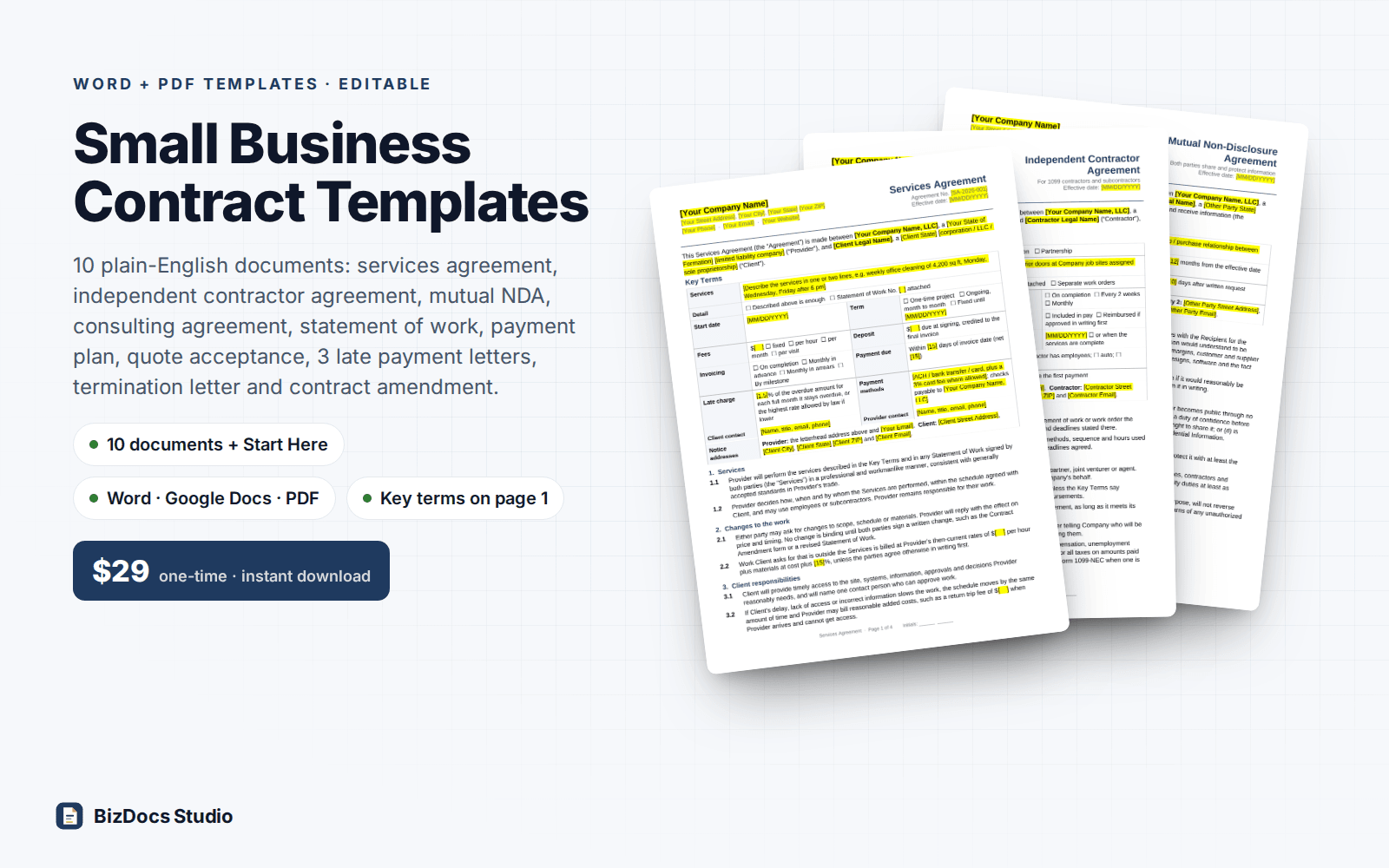
Small Business Contract Templates Pack
Services, contractor, NDA and consulting agreements, plus a payment plan and late payment letters.
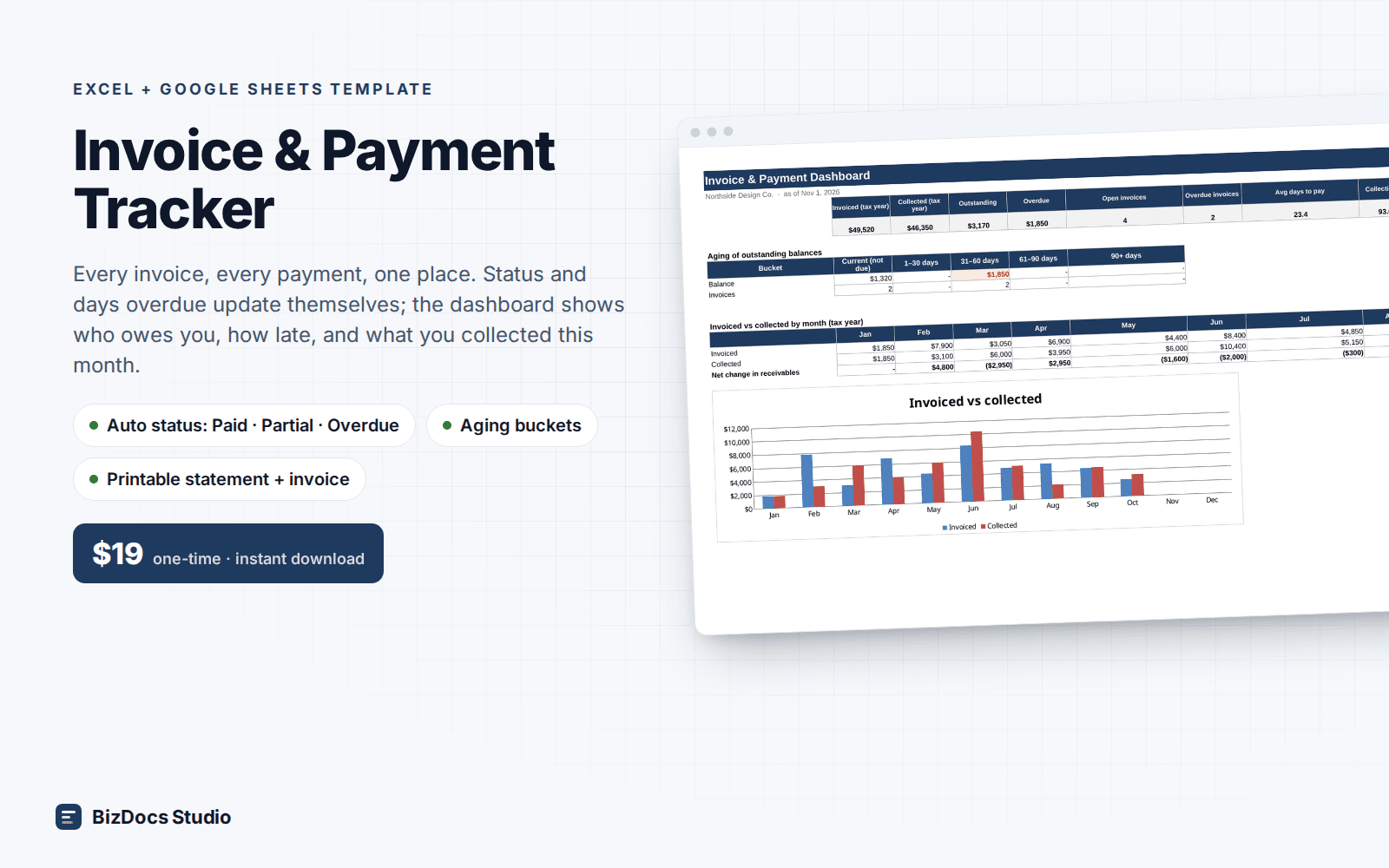
Invoice & Payment Tracker
Every invoice and payment in one list, with who owes you and how many days late they are.
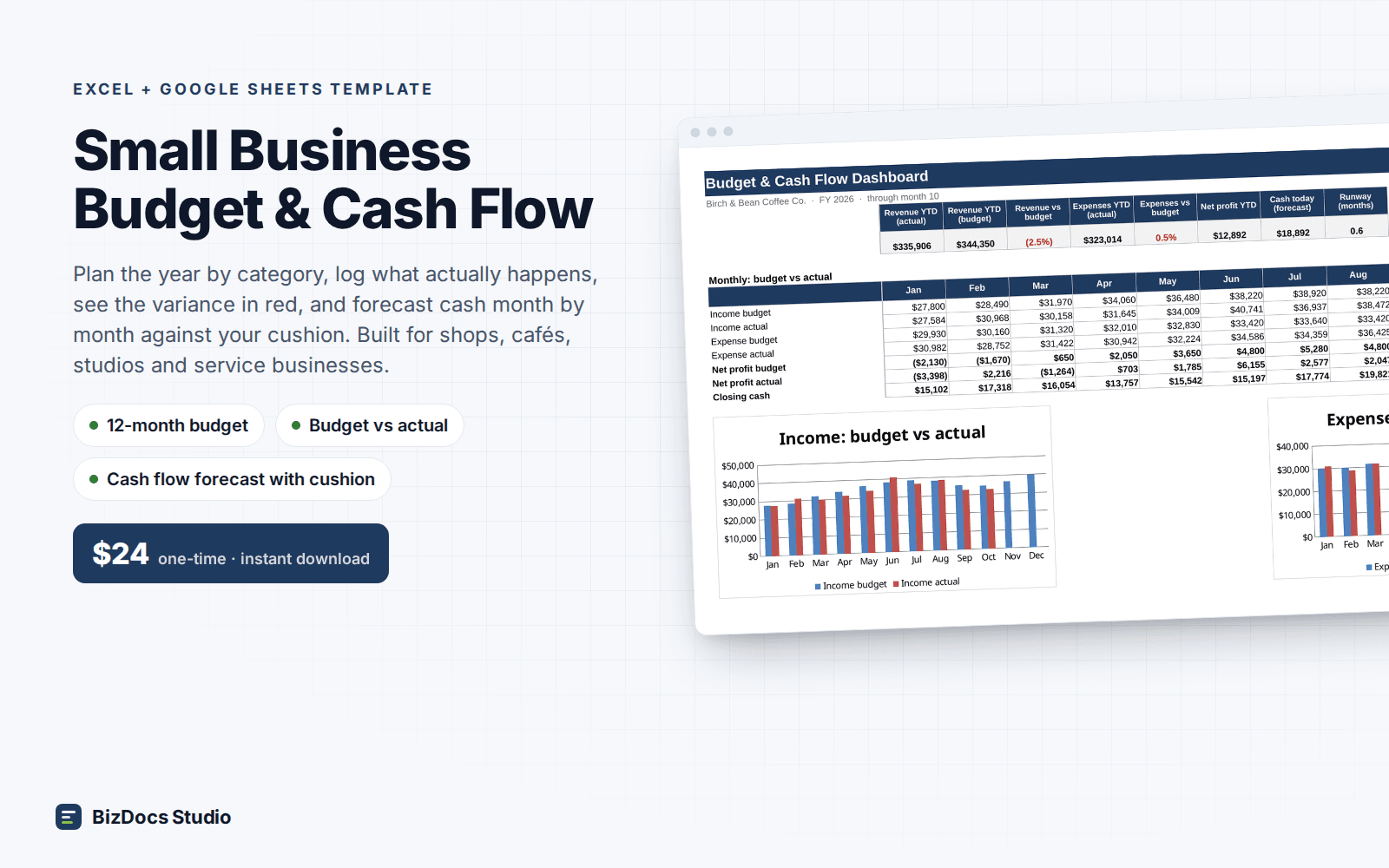
Small Business Budget & Cash Flow
A 12-month budget with actuals beside it and a cash flow that shows which month runs short.
Auto Repair Estimate, Repair Order & Invoice Template
$14 one-time · instant download · 14-day refund