Change Order Form & Log for Excel, Google Sheets and Word
Change Order Form & Log
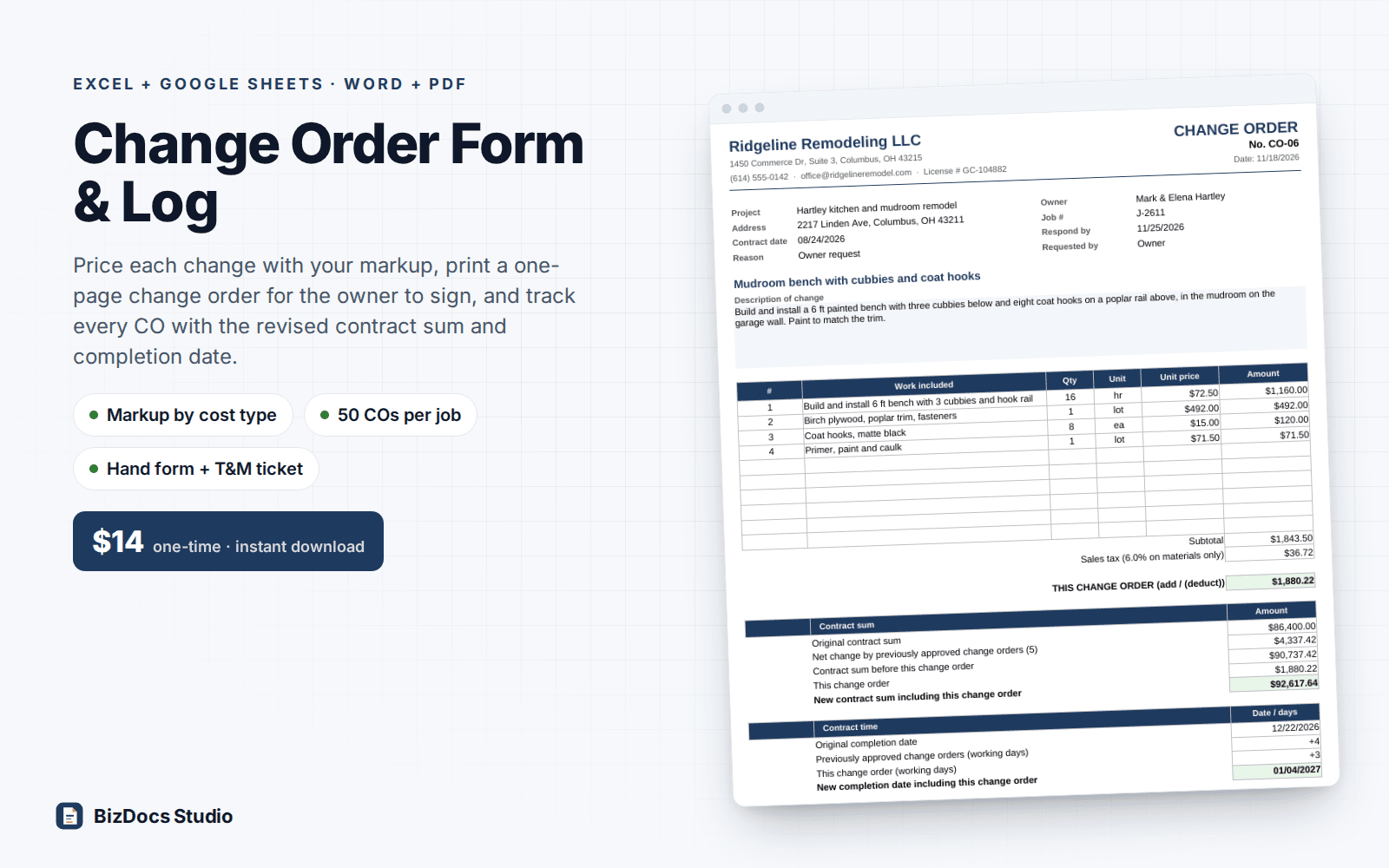
Price each change with your markup, print a one-page change order for signature, and track every CO with the revised contract sum and completion date.
- Instant download · ZIP: Excel workbook (.xlsx) + 4 Word (.docx) documents with a PDF of each
- 14-day refund, no questions asked
- Personal and business use licence
- Free updates to this version
Works with
- Microsoft Excel 2010 or newer
- Google Sheets (File > Import)
- Microsoft Word, Google Docs or Apple Pages
- Any PDF viewer; no macros
Made for: Remodelers and general contractors, Kitchen and bath contractors, Handymen who take on remodel work, Specialty trades: electrical, plumbing, roofing, decks, flooring, tile, Builders working with an owner's lender or HOA.
9 parts that work together
- 1
Settings (workbook)
Your company and license number, the job (owner, original contract sum, contract date, original completion date), markup on cost for labor, materials, equipment, subcontractors and other, whether credits carry markup, sales tax rule (none, materials only, materials and equipment, or all lines) and rate, an optional change order fee, how long a price is valid, payment terms, working days or calendar days, and a 12-row holiday list.
- 2
CO Builder (workbook)
50 numbered change order blocks. Each has a title, date, reason code dropdown (owner request, unforeseen condition, design change, code requirement, allowance overage), who asked for it, schedule impact in days (+ or -), a description for the owner, and 10 priced lines: cost type, quantity, unit, your unit cost, an optional markup override, client unit price, client price and taxable flag. Totals show your cost, markup, margin, tax, fee and the change order total. Credits are entered as negative quantities.
- 3
Change Order (workbook)
Pick a CO number and print one page: your header, project and owner, reason, description, priced lines, subtotal, tax, the contract sum before and after this change, the completion date before and after, a respond-by date, payment terms, four short terms and owner and contractor signature lines. Your cost and markup do not appear. A setting switches the client copy to show the total only.
- 4
CO Log (workbook)
One row per change order, filled from the builder: date, title, reason, days, amount. You set the status (pending, approved, rejected), decision date, who signed and the signed amount, which locks an approved change order at what the owner signed even if Settings change later (a red flag shows if the builder no longer matches). The running revised contract sum and revised completion date count approved change orders only; pending change orders show how many days they have been open.
- 5
Dashboard (workbook)
Original contract, approved change orders, revised contract sum, pending exposure, % change approved and if all pending are approved, days added, original and revised completion dates, oldest pending change order, and a table and chart of approved, pending and rejected dollars by reason code. A separate box shows your cost, markup and margin on approved and pending change orders.
- 6
Change Order Form (Word + PDF)
2 pages. Page 1 is a fill-by-hand change order for the owner to sign on site: reason and requested-by checkboxes, description lines, 6 priced lines, subtotal, tax and total, contract sum and contract time boxes, payment checkboxes, three terms and signatures. Page 2 is a pricing worksheet for your eyes only, with markup reminders and a before-you-hand-it-over checklist.
- 7
Change Order Request Letter (Word + PDF)
2 pages. A letter to the owner that sends a change order: what changed and why, a summary table (reason, price, days, new contract sum, new completion date, respond-by date), what happens next and what stays on hold. Page 2, for your use: a first paragraph for each reason code, a short email or text version and a follow-up message.
- 8
Field Change Directive & T&M Ticket (Word + PDF)
3 pages. A field change directive the owner signs when work has to start before the price is known (basis of payment, not-to-exceed amount, labor rates and markups, same-day ticket signing), a daily time and materials ticket (labor, materials, equipment and subcontractors, owner's rep signature), and a T&M summary that adds up the tickets and checks them against the cap before you write the change order.
- 9
Start Here guide (Word + PDF)
3 pages on handling change orders without losing money: the seven-step routine, eight common ways contractors lose money on changes and the fix for each, what each reason code means, a sample change clause for your contract, the sample change order math written out, and how to edit the files.
What you can count on
- Markup on cost by type: labor, materials, equipment, subcontractors, other, with a per-line override
- Credits for deleted work entered as negative lines, at cost or with markup (your choice in Settings)
- Sales tax rule you choose: none, materials only, materials and equipment, or all lines
- Schedule impact on every change order; completion dates in working days (skipping weekends and your holidays) or calendar days
- One-page client change order with the contract sum and completion date before and after, ready to print or save as PDF
- Change order log for up to 50 COs per job with pending exposure, days open on each pending CO, and a signed amount that locks approved COs
- Paper forms for the field: fill-by-hand change order, request letter, field change directive and daily T&M ticket
- Ships with a worked sample job: an $86,400 remodel with 8 change orders (approved, pending, rejected and a credit); formulas visible, nothing locked
Last updated November 1, 2026. Buyers get updates to this version free, by email.
Before you buy
Does it work in Google Sheets?
Yes. Open Google Sheets, then File > Import > Upload the .xlsx. Dropdowns, formulas and conditional formatting carry over. Every formula uses functions that Excel 2010 and Google Sheets both support, and there are no macros. The Word documents open in Google Docs too.
Can I change the markup, tax rule and wording?
Yes. Markup by cost type, the tax rule, the change order fee, payment terms and the reason codes are all in Settings. Nothing is locked or hidden; input cells are yellow. In the Word documents, yellow [bracketed] text marks what to fill in. Changing markup or tax later re-prices every change order, so the log has a Signed amount column that keeps approved change orders at what the owner signed.
How many change orders does it hold?
50 per job, each with up to 10 priced lines. Use one copy of the workbook per job (File > Save As with the job name).
Is this legal advice?
No. These are templates, not legal advice. Rules on written change orders, notices and payment differ by state and by contract, and your contract's change clause controls. Have an attorney licensed in your state review your contract and these forms.
How do I get the files?
Instantly after payment: a download page opens and the link is also emailed to you. The ZIP holds the workbook, the Word documents, a PDF of each and a Start Here guide.
What if it is not what I need?
Email us within 14 days and we refund you. No forms, no questions.
Learn before you fill it in
More templates for contractors
Contractor Toolkit Bundle
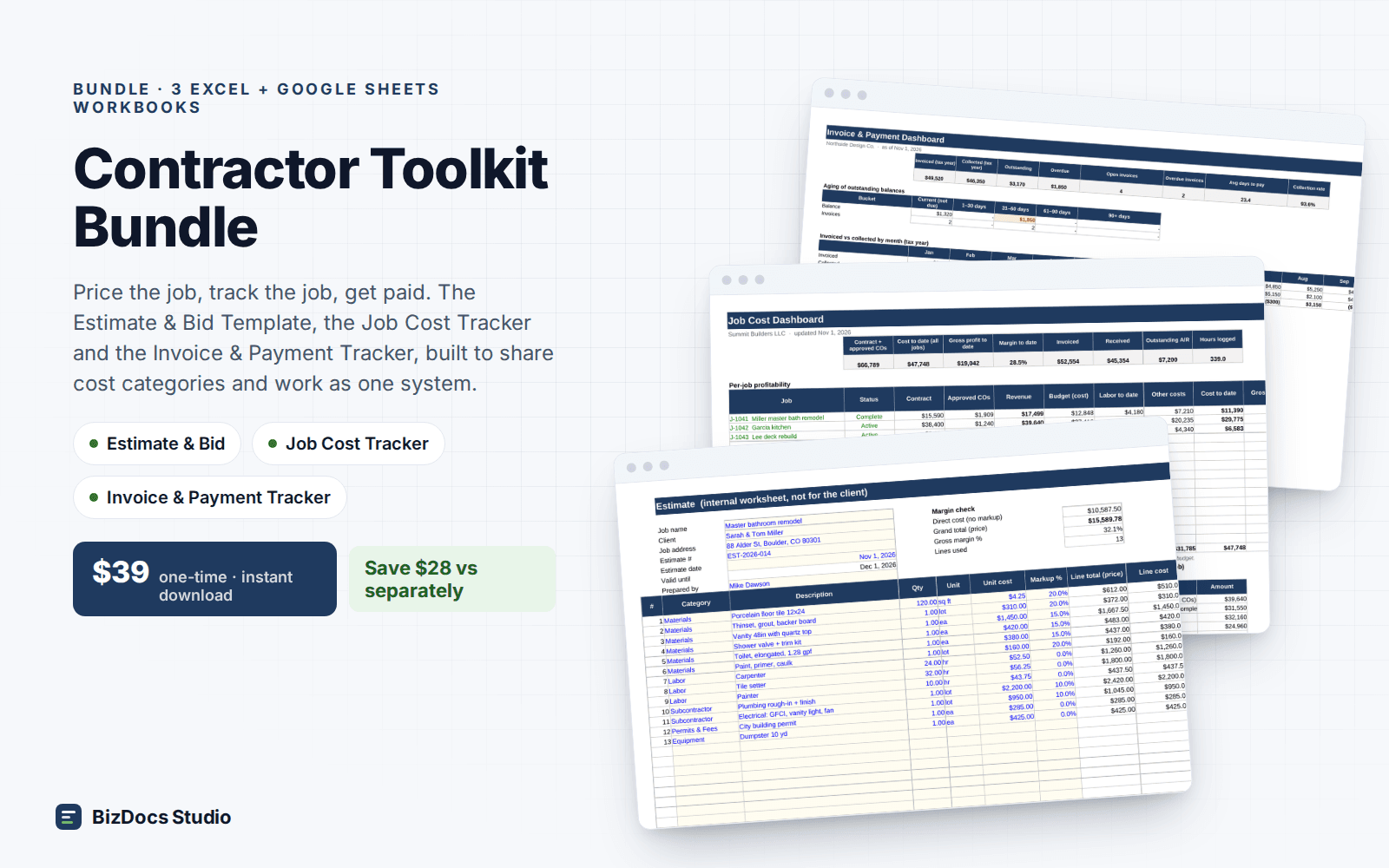
The estimate, job cost tracker and invoice tracker for contractors, sold together for less.
Contractor Estimate & Bid Template
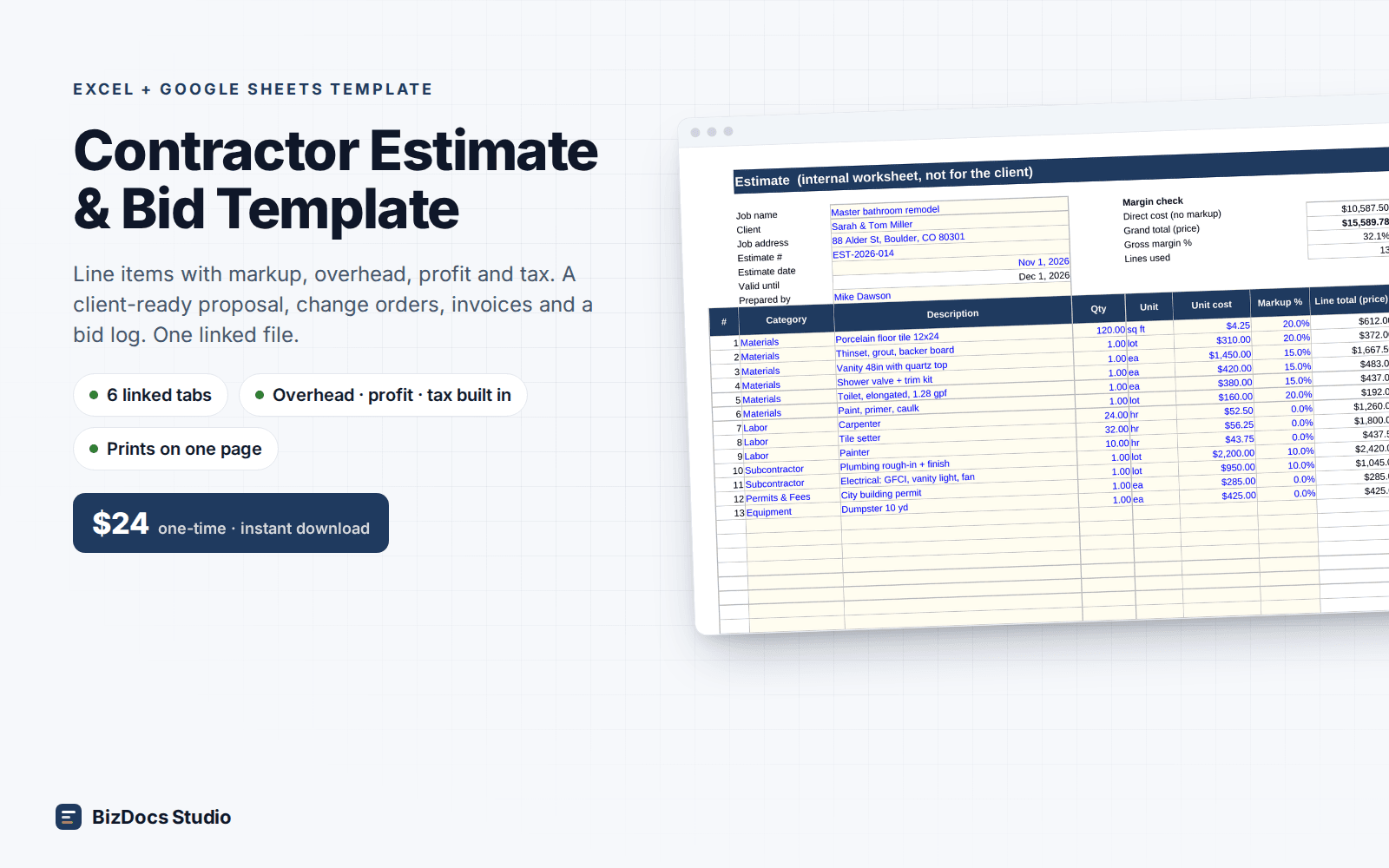
Price a job line by line, then turn it into a one-page proposal the client signs.
Construction Proposal Template Kit
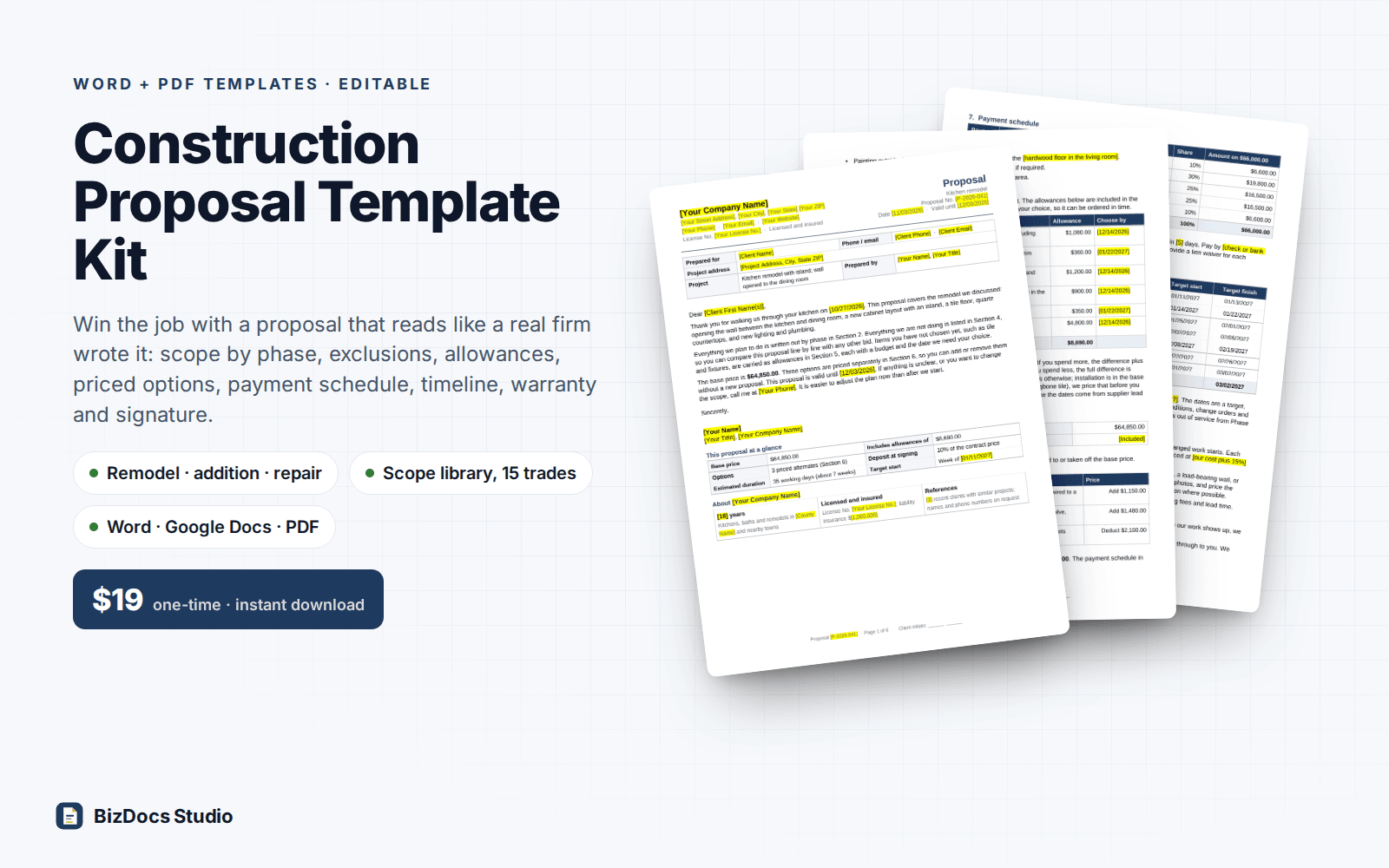
Remodel, addition and repair proposals with scope by phase, exclusions, allowances, priced options and a signature page.
Change Order Form & Log
$14 one-time · instant download · 14-day refund