Construction change order form and log: write it, price it, track it
By the BizDocs Studio team · Updated
- •A construction change order form records a change to the contract before the work is done: what changed, why, the price, the days added and the new contract sum, signed by the owner and the contractor.
- •Price changes with the same markup as the original job, enter deleted work as a credit, and always state the schedule impact, even when it is 0 days.
- •Keep every change order on one log with its status. Only approved change orders change the revised contract sum and completion date; pending ones are your exposure.
- •When work cannot wait for a price, use a field change directive and daily signed time and materials tickets, then convert them to a change order.
On a remodel, changes are normal. The owner picks a bigger window, the inspector wants a different breaker, demolition finds rot under the sink. What turns a normal change into lost money is doing the work on a verbal OK and arguing about the price at the final invoice.
This guide covers what a construction change order form needs, how to price one (with a worked example where every number adds up), and how a change order log keeps the contract sum and completion date honest across the whole job.
What a construction change order form must include
A change order amends the contract, so it has to stand on its own when someone reads it six months later. These are the fields that matter:
- Change order number, date, project name and address, and the date of the original contract
- Reason for the change, and who asked for it
- A description of the work in plain words: what, where, how much. Attach photos, the drawing revision or the inspector's note
- Priced lines with quantity, unit, unit price and amount; credits shown as deductions
- Subtotal, sales tax if your state and contract call for it, and the change order total
- Contract sum: original, previously approved changes, before this change, after this change
- Contract time: days added by this change and the new completion date
- A respond-by date, payment terms for the change, and signature lines for the owner and the contractor
The contract sum and contract time sections are what most free templates leave out. They are also what prevents the end-of-job surprise, because the owner sees the running total every time they sign.
Reason codes, and why you should track them
Tag every change order with one reason. It helps the conversation with the owner now, and it shows you where changes come from across the job.
| Reason code | Example | Tip |
|---|---|---|
| Owner request | Add a mudroom bench with cubbies | Price it before ordering anything; owners decide faster with a number in front of them. |
| Unforeseen condition | Rotted subfloor found under the sink | Stop that area, take photos, price it the same day. |
| Design change | Designer's revision moves the dishwasher | Price the difference between the old and new drawings, not the whole item. |
| Code requirement | Inspector requires AFCI/GFCI breakers | Attach the inspection note; it answers the owner's first question. |
| Allowance overage | Tile allowance $6.00/sq ft, selection $14.50/sq ft | Price the difference times the quantity, plus any added labor. |
Worked example: pricing one change order
The owner of an $86,400 kitchen and mudroom remodel asks for a mudroom bench. Five change orders have already been approved for $4,337.42 and 4 working days. The contractor marks up labor 25%, materials 20% and other costs 10%, and charges 6.0% sales tax on materials.
Labor: 16 hr x $58.00 cost = $928.00; +25% = $72.50/hr x 16 = $1,160.00
Plywood, trim, fasteners: 1 lot $410.00; +20% = $492.00
Coat hooks: 8 x $12.50 = $100.00; +20% = $15.00 each = $120.00
Primer, paint, caulk: 1 lot $65.00; +10% = $71.50
Subtotal $1,843.50 + tax 6.0% on $612.00 of materials = $36.72. Change order total: $1,880.22
Contract sum: $86,400.00 + $4,337.42 approved = $90,737.42; with CO-06 = $92,617.64
Time: original completion 12/22/2026 + 4 working days approved = 12/29/2026; +3 days for CO-06, skipping the 12/25 and 01/01 holidays and the weekend = 01/04/2027
The owner sees the work, the prices and the new totals. Your cost and markup stay on your side. Markup is not margin: the $340.50 markup on $1,503.00 of cost is an 18.5% margin on the $1,843.50 price.
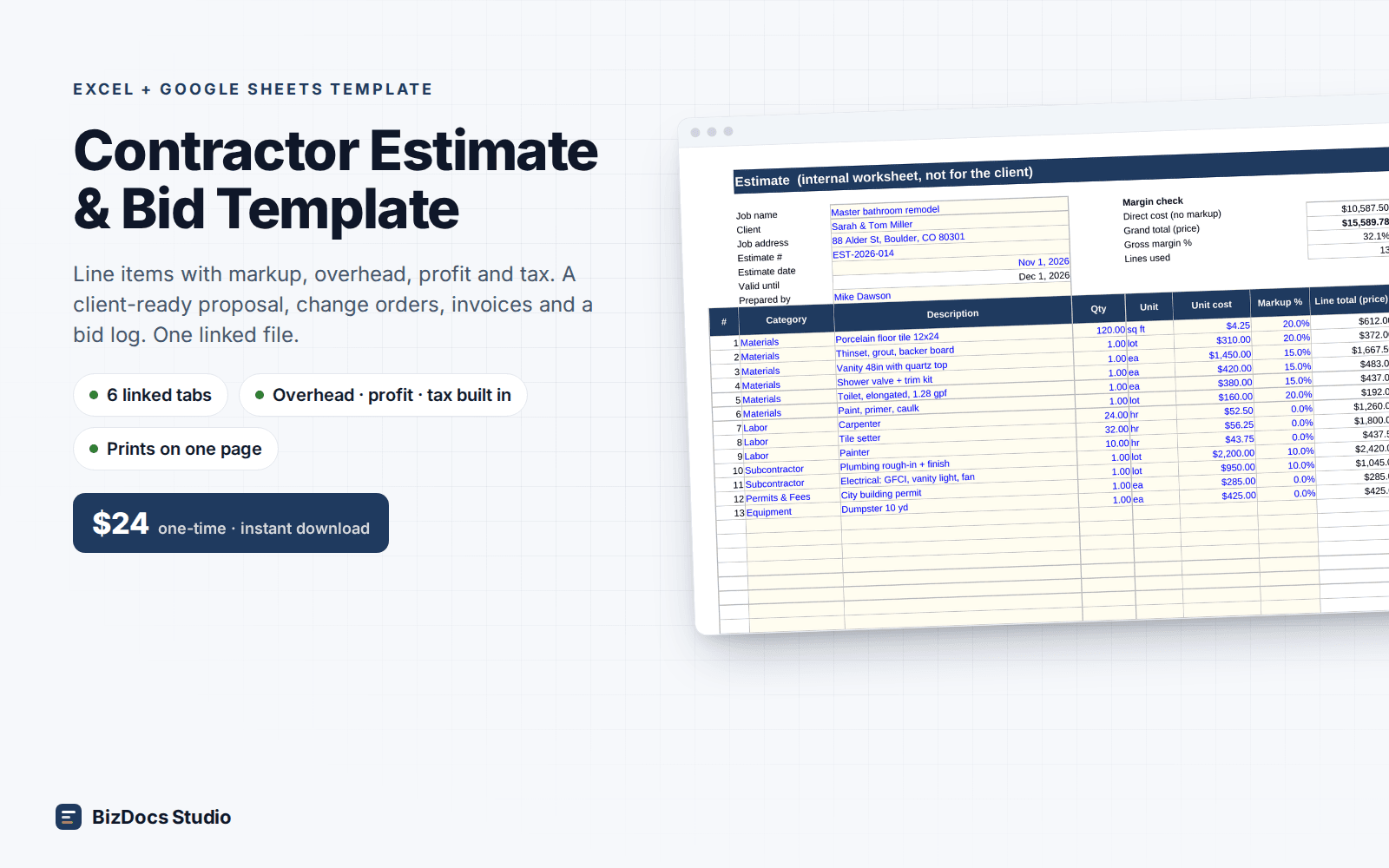
Price each change with your markup, print a one-page change order for signature, and track every CO with the revised contract sum and completion date.
Credits, allowances and small changes
- Credits: when the owner deletes work, enter it as a negative line. Many contractors credit deleted work at cost, not at the marked-up price; whatever you do, say it in the contract. Materials already bought and not returnable stay out of the credit.
- Swaps: one change order with a credit line for the old item and a priced line for the new one, so the owner sees the net.
- Allowances: the overage is the difference between the selection and the allowance, times the quantity. Write it before you order the material.
- Small changes: write them anyway. Five $150 extras is $750. On the example job, five approved change orders moved the contract 5.0% in three months.
Keep a change order log
A change order log is one list of every change order on the job: number, date, title, reason, amount, days, status (pending, approved, rejected), decision date and who signed. Two running columns do the real work: the revised contract sum and the revised completion date, both counting approved change orders only.
The log answers the questions that come up at every site meeting. How much is approved? How much is priced but not signed (your pending exposure)? How long has the oldest pending change order been waiting? Which reason codes drive the changes? Keep rejected change orders on the log for the record; they should never touch the totals.
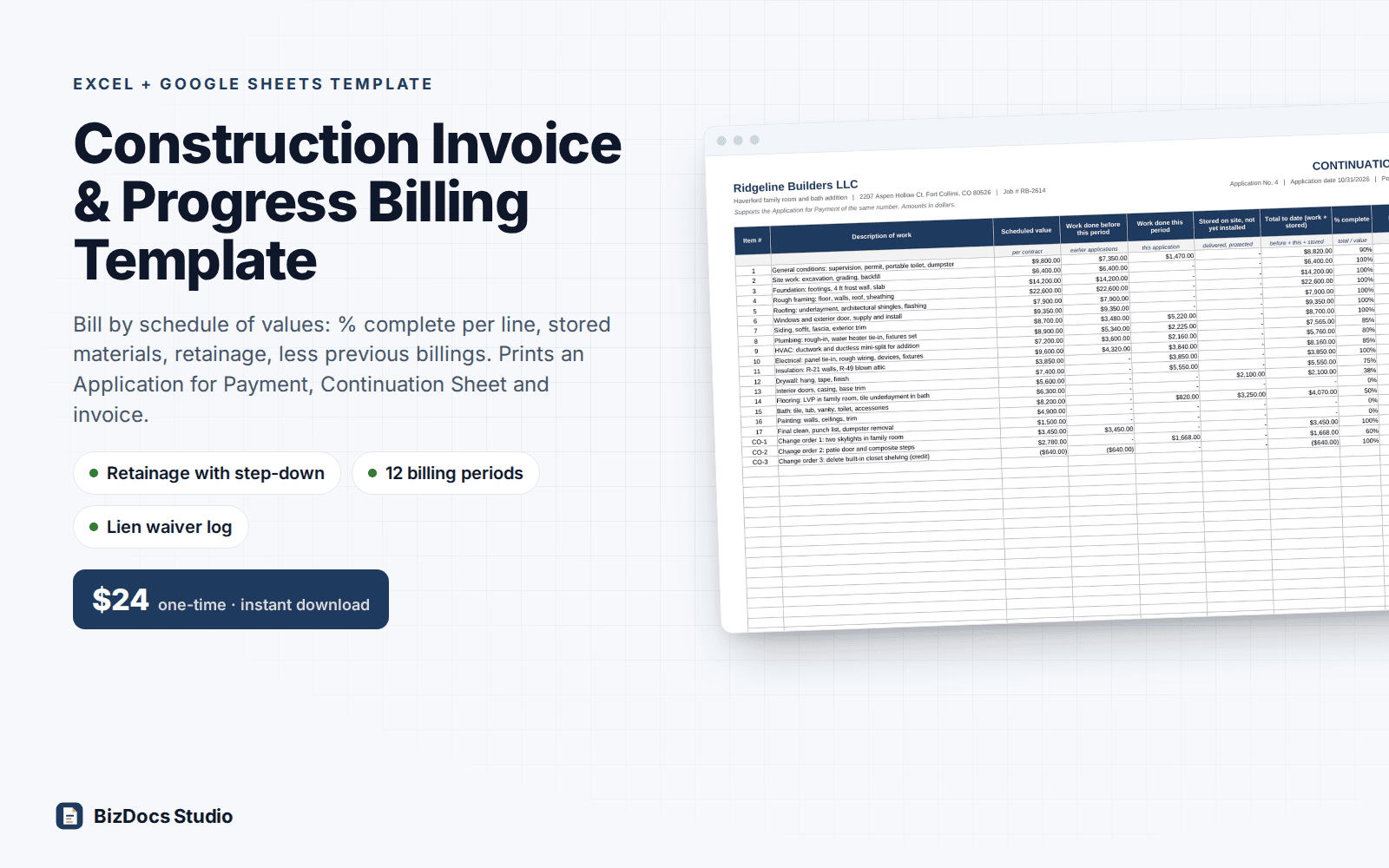
Your final invoice should equal the original contract plus every approved change order on the log. If it does not, find out why before you send it.
When the work cannot wait: field change directive and T&M tickets
Some changes have no price yet: a leak behind a wall, rot of unknown size, an inspector's stop-work item. Use a field change directive. The owner authorizes the work now, on time and materials at agreed rates, up to a not-to-exceed amount. Each day, fill in a time and materials ticket (crew, hours, materials, equipment, subcontractors) and have the owner or their representative sign it that day. A ticket signed a week later by someone who was not there carries far less weight.
When the directed work is done, add up the signed tickets, compare them to the cap, and write a regular change order with the final price and the days. The directive is the authorization; the change order is the agreement.
Mistakes to avoid
- Starting changed work on a verbal OK
- Pricing changes at cost to keep the owner happy; changes cost you more than base work, not less
- Leaving the days blank; a change signed without time is hard to argue for later
- Forgetting to update the contract sum, so the final invoice surprises the owner
- Letting a pending change order sit for weeks while the work in that area waits
- Letting subcontractors or crew agree to extras directly with the owner
Frequently asked questions
What is the difference between a change order and a change order request?
A change order request (or proposed change order) is the contractor's priced proposal for a change. It becomes a change order when both parties sign it. Until then it is pending and should not change the contract sum.
Does a change order need to be signed before the work starts?
That is the safe practice, and many contracts require it. Some states also have rules on written changes in home-improvement contracts. If the work truly cannot wait, get a signed field change directive and daily signed time and materials tickets instead of a verbal OK.
Should the change order show my markup?
Usually not. Show the client price per line or a total. Keep your cost and markup on your own worksheet. If your contract sets the markup on changes, the price simply reflects it.
Working days or calendar days for the schedule impact?
Use whichever your contract uses for the completion date. Working days skip weekends and holidays, so 3 working days added on a Wednesday before Christmas can move the completion date a week.
Can I charge a fee for writing a change order?
Some contractors charge a flat processing fee per change order. If you do, put it in the original contract so the owner agreed to it before the first change.
This guide is general information for US small businesses, not legal advice. Rules vary by state and city; have a local attorney review contracts and notices before use.
Price each change with your markup, print a one-page change order for signature, and track every CO with the revised contract sum and completion date.