
Tutoring & Lesson Business Tracker for Excel and Google Sheets
Tutoring & Lesson Business Tracker
Students, lesson packs, make-ups and payments in one workbook, with a one-page monthly invoice per family.
- Instant download · Excel workbook (.xlsx), opens in Google Sheets
- 14-day refund, no questions asked
- Personal and business use licence
- Free updates to this version
Works with
- Microsoft Excel 2010 or newer
- Google Sheets (File > Import)
- Excel for Mac
- No macros, no add-ins
Made for: Private music teachers (piano, guitar, voice and more), K-12 and college subject tutors, Language teachers, SAT, ACT and other test-prep tutors, One-teacher lesson studios with up to 60 students.
11 tabs, one linked system
- 1
Start Here
Setup in two steps, plan changes, the weekly and monthly routine, how packs, monthly tuition and pay-per-lesson billing are handled under each Settings rule, capacity, rolling into a new studio year, color legend.
- 2
Dashboard
This month's lessons, hours, billed, collected, income per teaching hour, active students, total owed, prepaid lessons still to teach and make-ups owed. A 12-month studio-year table with new students, students who left and share kept from last month, a billed vs collected chart, results by lesson type, a Needs attention list, and a warning line when a log is 95% full, when anything is typed below the end of a log, or when Check columns have messages.
- 3
Settings
Business details and payment instructions, rates by lesson type for four lesson lengths, a suggested monthly tuition table, up to 20 packs, tuition plans and fees with lesson counts and expiry, notice period, separate late-cancellation and no-show rules, the charge for pay-per-lesson students, make-up limit per term, month or year, term dates, schedule grid of 30- or 60-minute rows.
- 4
Students
Up to 60 students: parent or guardian, contact, lesson type and length, billing plan, pack or tuition plan, rate override, start and end dates, status, two weekly lesson slots. Rate, lessons taught, pack lessons bought, used and left, next expiry, make-ups owed, billed, paid, balance and alerts calculate.
- 5
Lesson Log
1,500 rows: date, student, minutes, status, an optional Waive or Charge adjustment and lesson notes. Result, hours taught, which pack covered it, lesson charge and make-up credit fill in. Each lesson uses the billing plan in force on its date. A Check column flags missing dates, unknown students, lessons with no pack, make-ups taught with no credit owed and missing rates; rows it marks 'not counted' stay out of every total. Rows can be in any order.
- 6
Purchases
Packs, monthly tuition and fees in 400 rows. Amount, lessons, expiry date, pack number, lessons used and left, and a status (Active, Renew soon, Expires soon, Used up, Expired with unused lessons) calculate.
- 7
Payments
700 rows: date, student, amount, method, reference. Payer fills in from the Students tab; balances update. Payments with no date or an unknown student are flagged and not counted.
- 8
Plan Changes
One row each time a student moves to another billing plan (for example trial lessons paid one by one, then monthly tuition): the first day on the new plan and the plan before it. Lessons before that date keep the old plan's charges, packs and make-up credits; a new pack is never used by older lessons.
- 9
Invoice
Choose a student and a month (the selectors sit outside the print area): up to 14 lessons with their result and amount, up to 12 purchases and payments in one list, previous balance and balance due or credit, pack status or make-ups owed, how to pay, and a cancellation policy worded from your Settings for that student's plan. A red note appears if a month has more lines than fit; totals always include everything. One printed page.
- 10
Weekly Schedule
Monday to Sunday grid from each active student's lesson day and time, with lesson count and teaching hours per day. Two lessons starting in the same row are both listed; overlapping lessons are marked. One printed page.
- 11
Calc
Helper formulas for the pack allocation and monthly activity. Visible, no need to edit.
What you can count on
- Lesson packs, monthly tuition and pay per lesson in one file, chosen per student
- Packs used oldest first with expiry dates; unused lessons stay with an expired pack instead of rolling over
- Late cancellations and no-shows each follow their own Yes/No rule, and the invoice wording follows them; one Adjust cell waives or charges a single lesson
- Plan changes keep history: lessons are billed under the plan in force on the lesson date
- Make-up credits for tuition students: teacher cancellations always, cancellations with notice up to your limit per term, month or year
- Each family's balance owed or prepaid credit, plus a Needs attention list for balances, pack renewals and make-ups
- One-page monthly invoice per student with previous balance, lessons, purchases and payments
- 52,000+ formulas, all visible and editable; the sample studio's figures re-checked to the cent in a separate script
Last updated November 1, 2026. Buyers get updates to this version free, by email.
Before you buy
Does it work in Google Sheets?
Yes. Open Google Sheets, File > Import > Upload the .xlsx. Formulas, dropdowns and colors carry over. Every formula uses functions that both Excel 2010+ and Google Sheets support; there are no macros.
Can I mix lesson packs, monthly tuition and pay-per-lesson students?
Yes. Each student has a billing plan. Pack students draw lessons from their packs, oldest first. Tuition students pay a flat monthly fee (one Purchases row a month; anyone not yet billed for the month is flagged) and earn make-up credits. When a student switches plans, add one row on the Plan Changes tab and earlier lessons keep their old charges. Pay-per-lesson students are charged for each lesson at their rate, with a percentage you choose for late cancellations and no-shows.
Can I change the cancellation and make-up rules?
Yes. In Settings you set whether a late cancellation uses the lesson, whether a no-show does, the charge for pay-per-lesson students, how many make-ups a tuition student gets for cancellations with notice, and whether that limit is per term, month or year. Pack expiry is set per pack. The Adjust column on the Lesson Log waives or charges a single lesson. The policy line on each invoice is worded from these settings.
How many students and lessons does it hold? Does it handle more than one teacher?
60 students, 1,500 lesson rows (a school year for about 35 weekly students), 400 purchases and 700 payments. It is built for one teacher's studio: there is no teacher column, and the weekly schedule shows one calendar. The Dashboard warns when a log is 95% full, and a red line under each log flags anything typed past its last row. Start Here explains how to start a new file each studio year and carry balances over.
Is it tax or legal advice?
No. It is a record-keeping tool that totals what you billed and collected. It does not calculate tax. Refund, cancellation and pack-expiry rules vary, so put yours in writing for families and have a professional review them if you are unsure.
How do I get the file?
Instantly after payment: a download page opens and the link is also emailed to you. Lost it? Email us and we resend it.
What if it is not what I need?
Email us within 14 days and we refund you. No forms, no questions.
Learn before you fill it in
More templates for tutors & music teachers
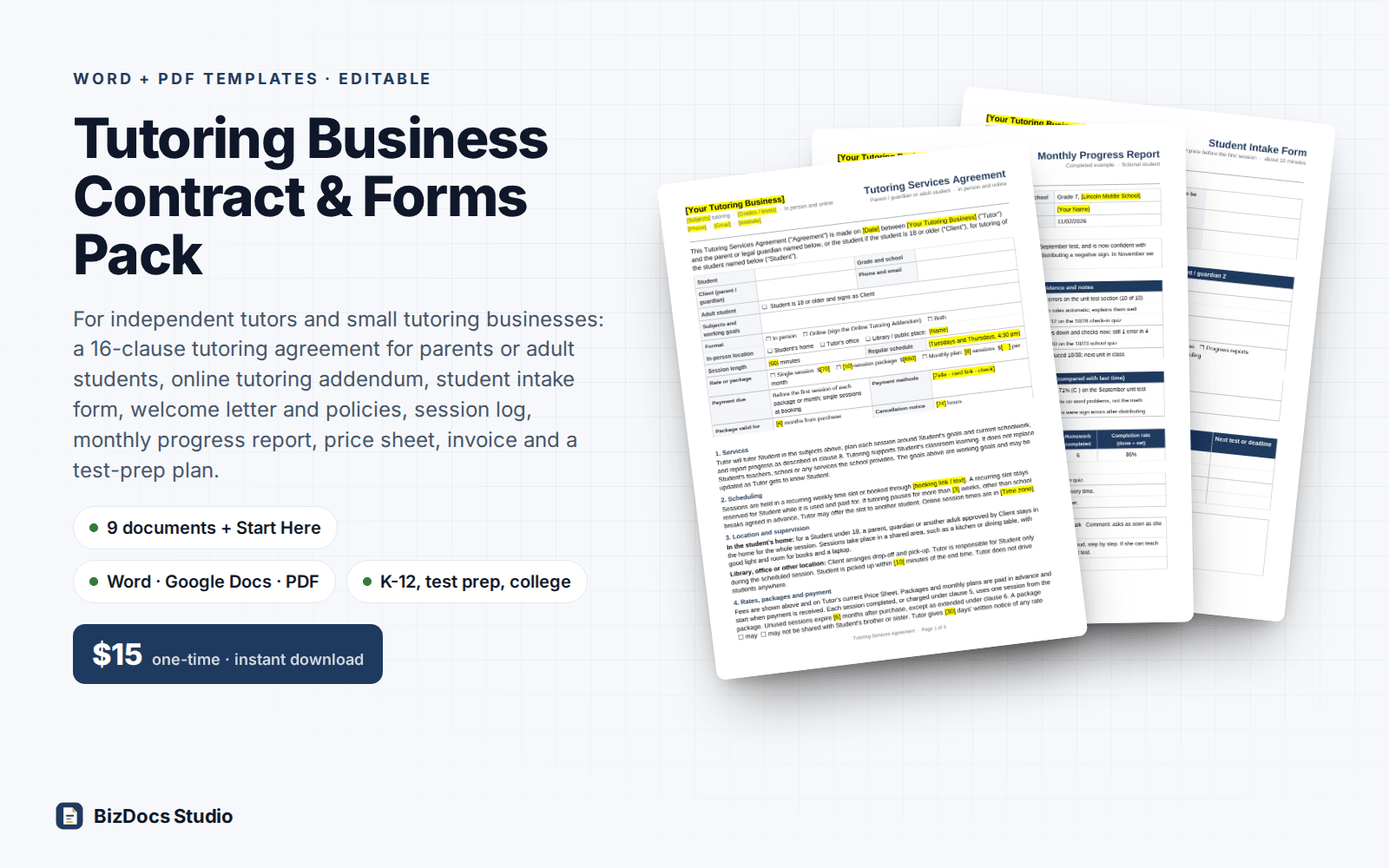
Tutoring Business Contract & Forms Pack
Tutoring agreement, student intake, session log, progress report and invoice for an independent tutor.
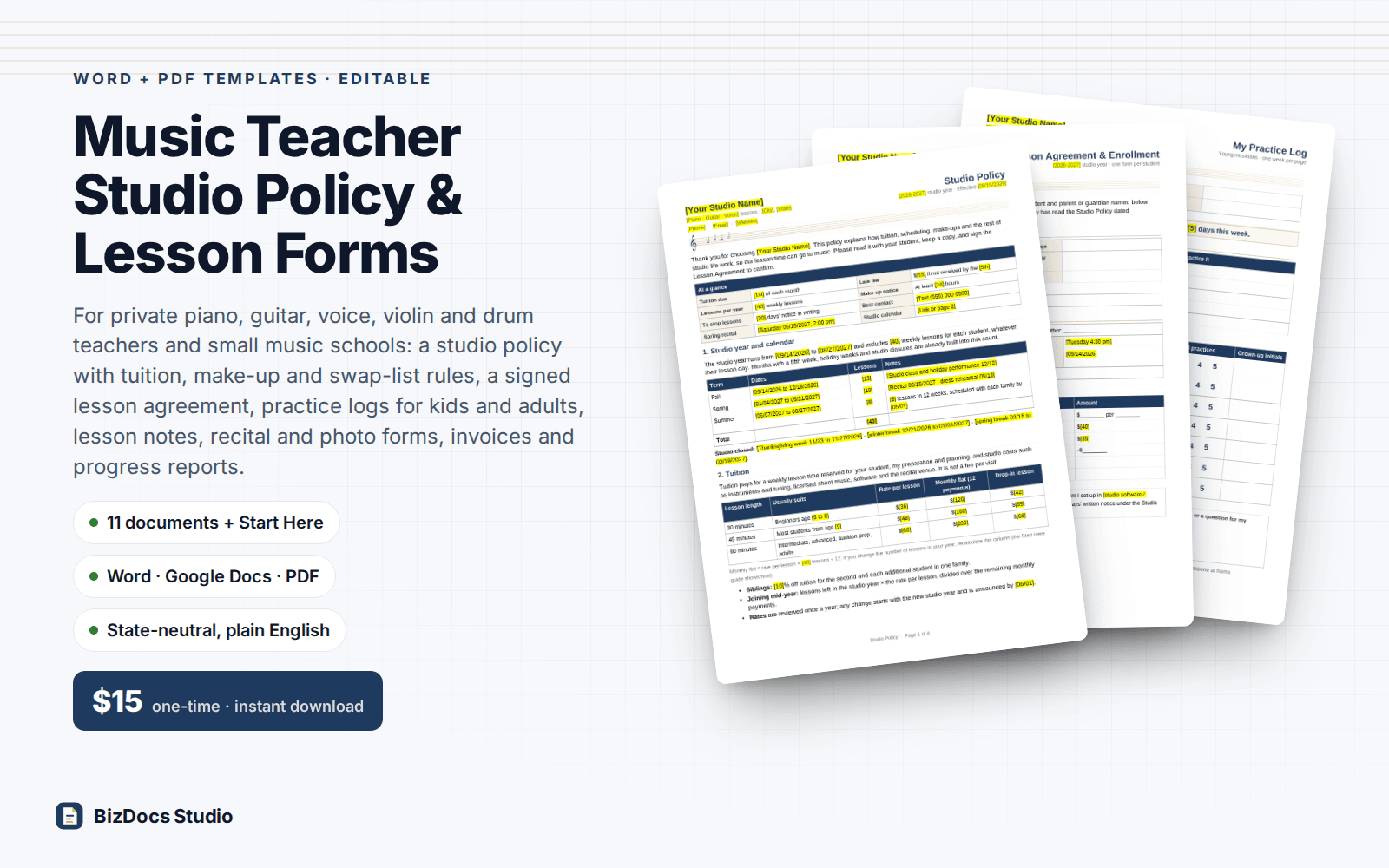
Music Teacher Studio Policy & Lesson Forms
Studio policy, lesson agreement, practice logs and tuition invoices for a private music teacher or small music school.
Tutoring & Lesson Business Tracker
$17 one-time · instant download · 14-day refund